
Mr Penguin
Sunday, November 5, 2023 | 2 minutes
SwayFX: Sway, but with eye candy!
Introducing SwayFX:
A Cutting-Edge Fork of the Sway Window Manager

Enhanced Rendering with FX_Renderer
SwayFX, a pioneering fork of the well-established Wayland window manager Sway, brings revolutionary features and visual enhancements.
Central to SwayFX is the fx_renderer, which replaces the simpler wlr_renderer, unleashing the potential of GLES2 for a visually stunning desktop experience.
Key Features
- Blur Effects
- Rounded Corners and Borders
- Shadows
- Dim Unfocused Windows
- Per Application Saturation Control
Seamless Integration with Sway
SwayFX maintains complete compatibility with the Sway configuration file, allowing users to transition smoothly without needing to alter their existing setups.
The following new configuration options can be used to enable the advanced rendering feature set.
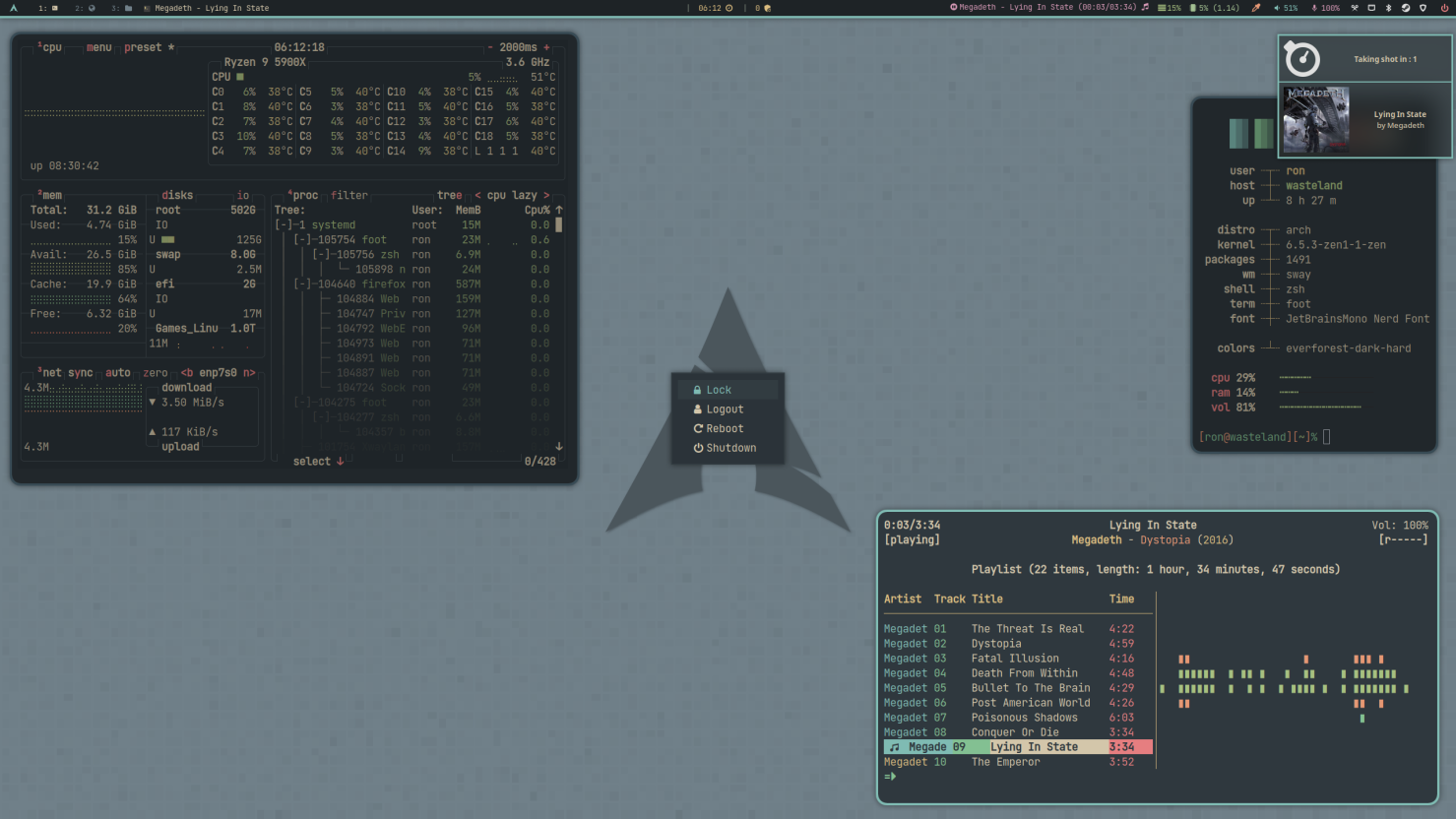 Above: User wickedlester shows off rounded corners & shadows
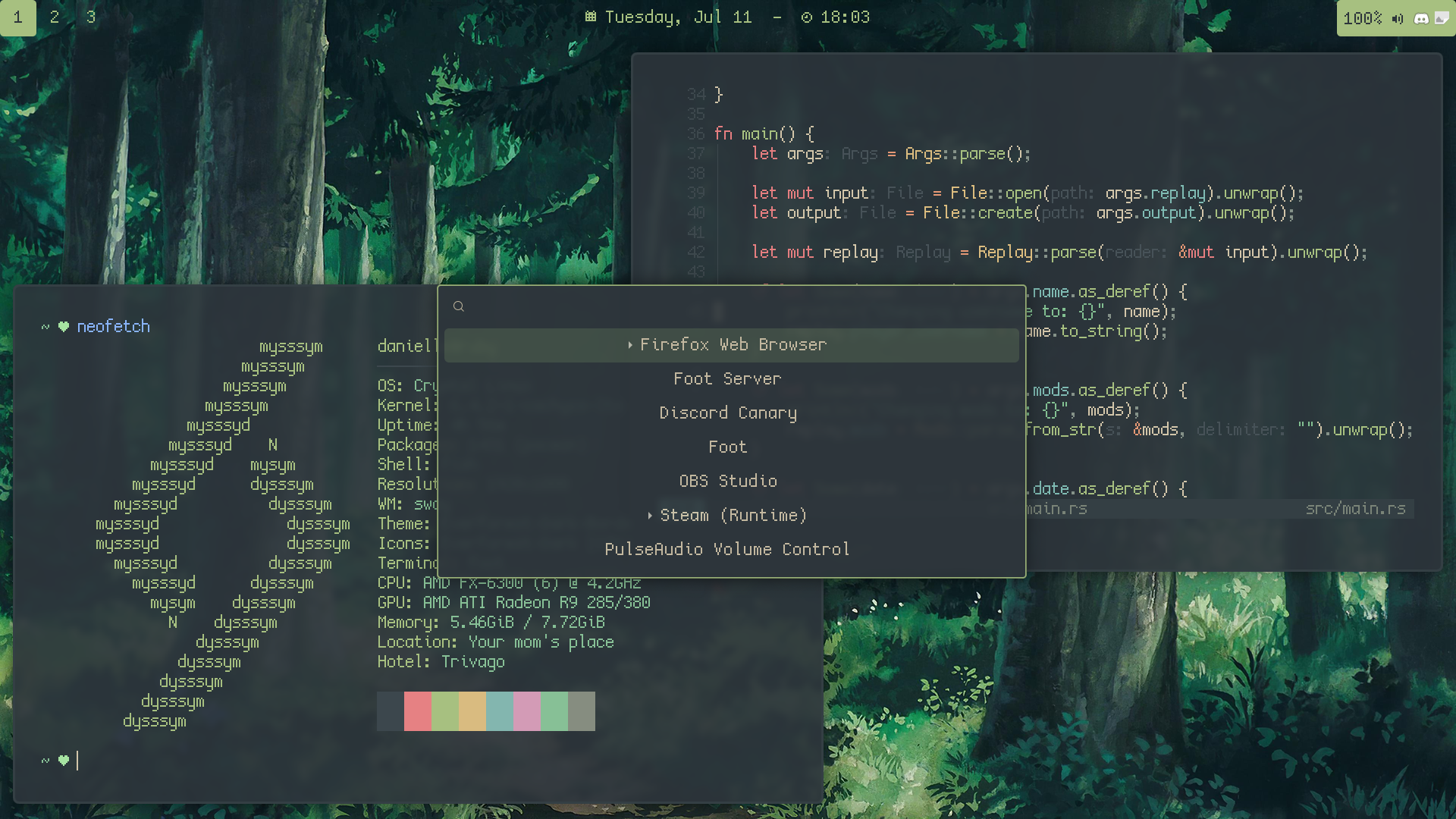 Above: User Danie shows off inactive blur effects
New Configuration Options
Window Blur
blur enable|disableblur_xray enable|disableblur_passes <integer>blur_radius <integer>
Corner Radius
corner_radius <val>
Window Shadows
shadows enable|disableshadows_on_csd enable|disableshadow_blur_radius <integer>shadow_color <hex color>shadow_inactive_color <hex color>
LayerShell Effects
layer_effects using the syntax <layer namespace> <effects>
The current layer namespaces can be shown withswaymsg -r -t get_outputs | jq '.[0].layer_shell_surfaces | .[] | .namespace'
Available Effects:
blur <enable|disable>blur_ignore_transparent <enable|disable>shadows <enable|disable>corner_radius <int>
Example:
layer_effects "waybar" blur enable; shadows enable; corner_radius 6
Dim Unfocused Windows
default_dim_inactive <float>for_window [CRITERIA] dim_inactive <float>dim_inactive_colors.unfocused <hex color>dim_inactive_colors.urgent <hex color>
Application Saturation
for_window [CRITERIA] saturation <set|plus|minus> <val>
My Personal Config
Have settled, at least for now, with the following config;
smart_corner_radius on
corner_radius 10
default_dim_inactive 0.05
blur enable
blur_passes 2
blur_radius 2
layer_effects "waybar" "blur enable"; shadows enable
shadows on
shadow_blur_radius 20
Roadmap: What’s Next for SwayFX
- Fade In/Out Animations
- Window Movement Animations